
Ginko Studio
Publish to one wall,
or to a thousand.
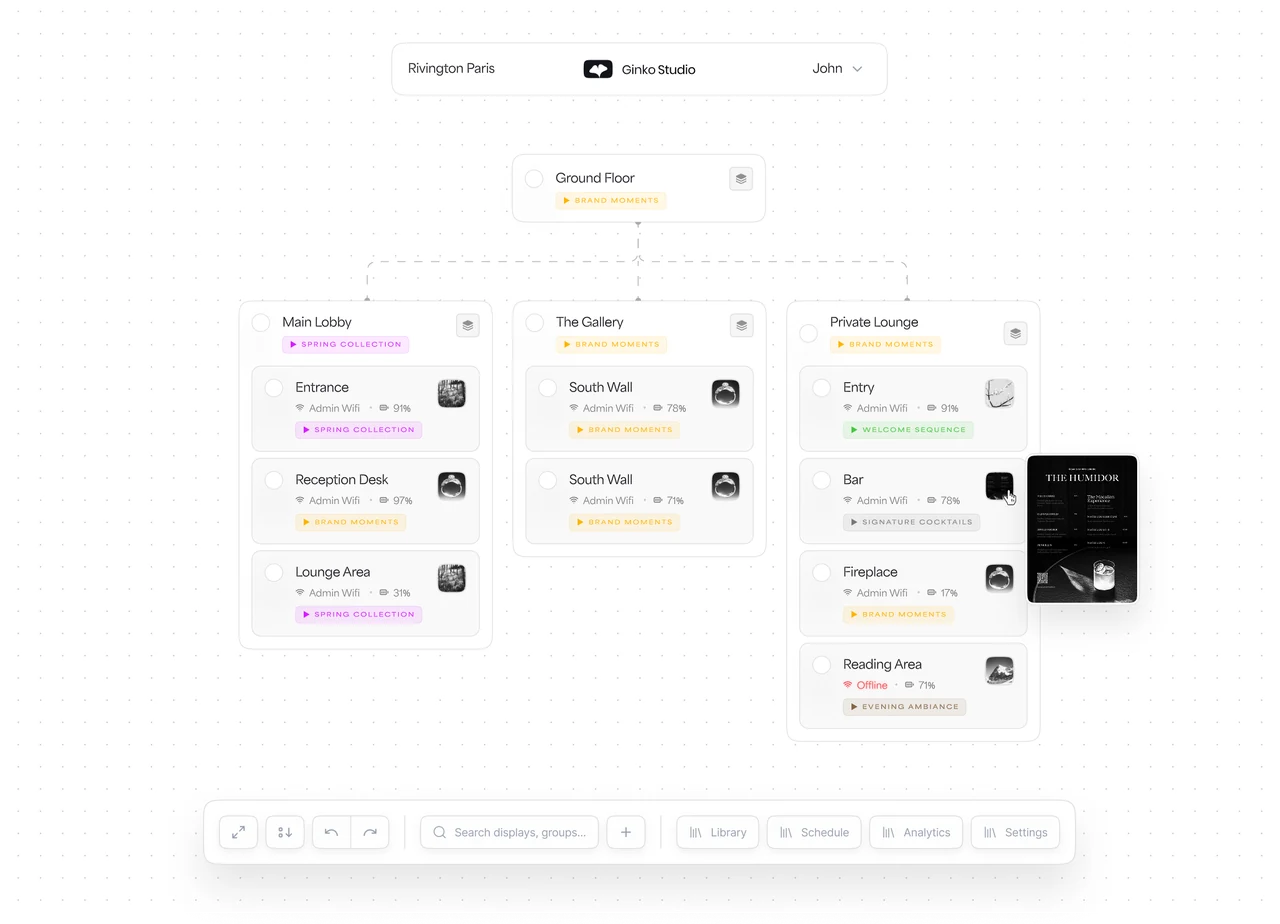
One web app to compose content, schedule the day and manage the whole fleet. A licence comes with every Ginko frame.
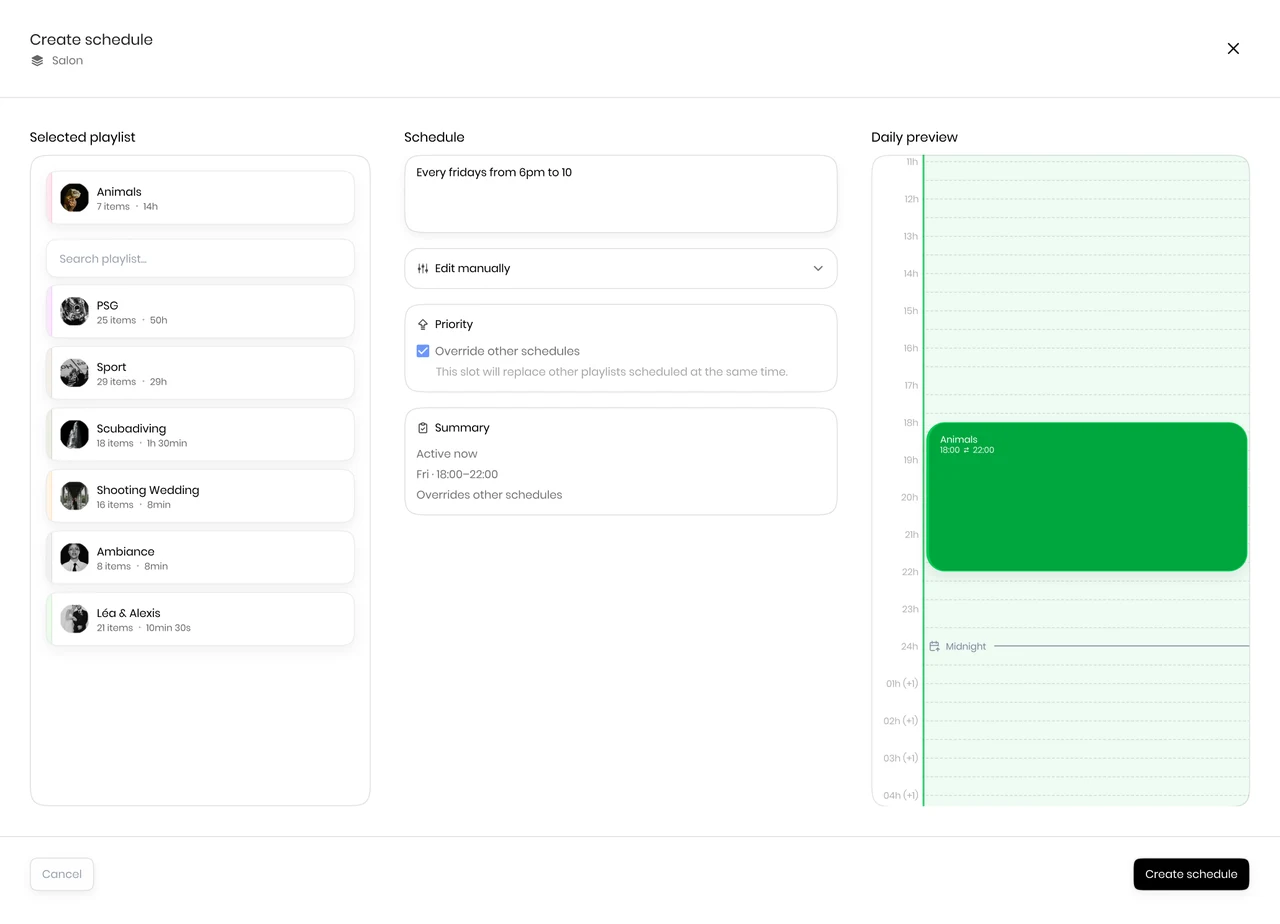
Effortless fleet management
From content to display, in four steps.
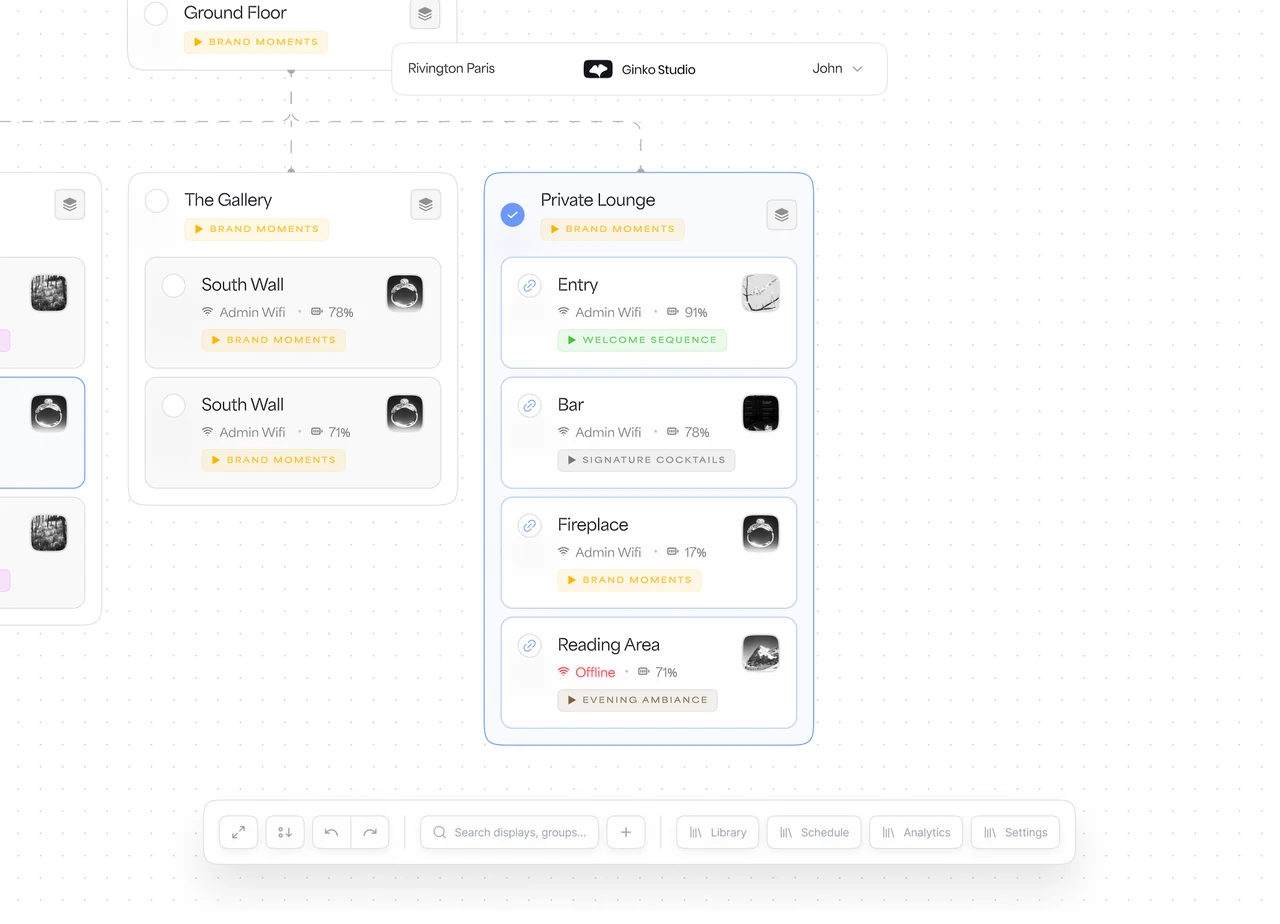
Four steps, from an image to a wall: upload, target, publish, schedule. Deploying to a hundred frames takes the same time as deploying to one.
-
[01]
Upload your content
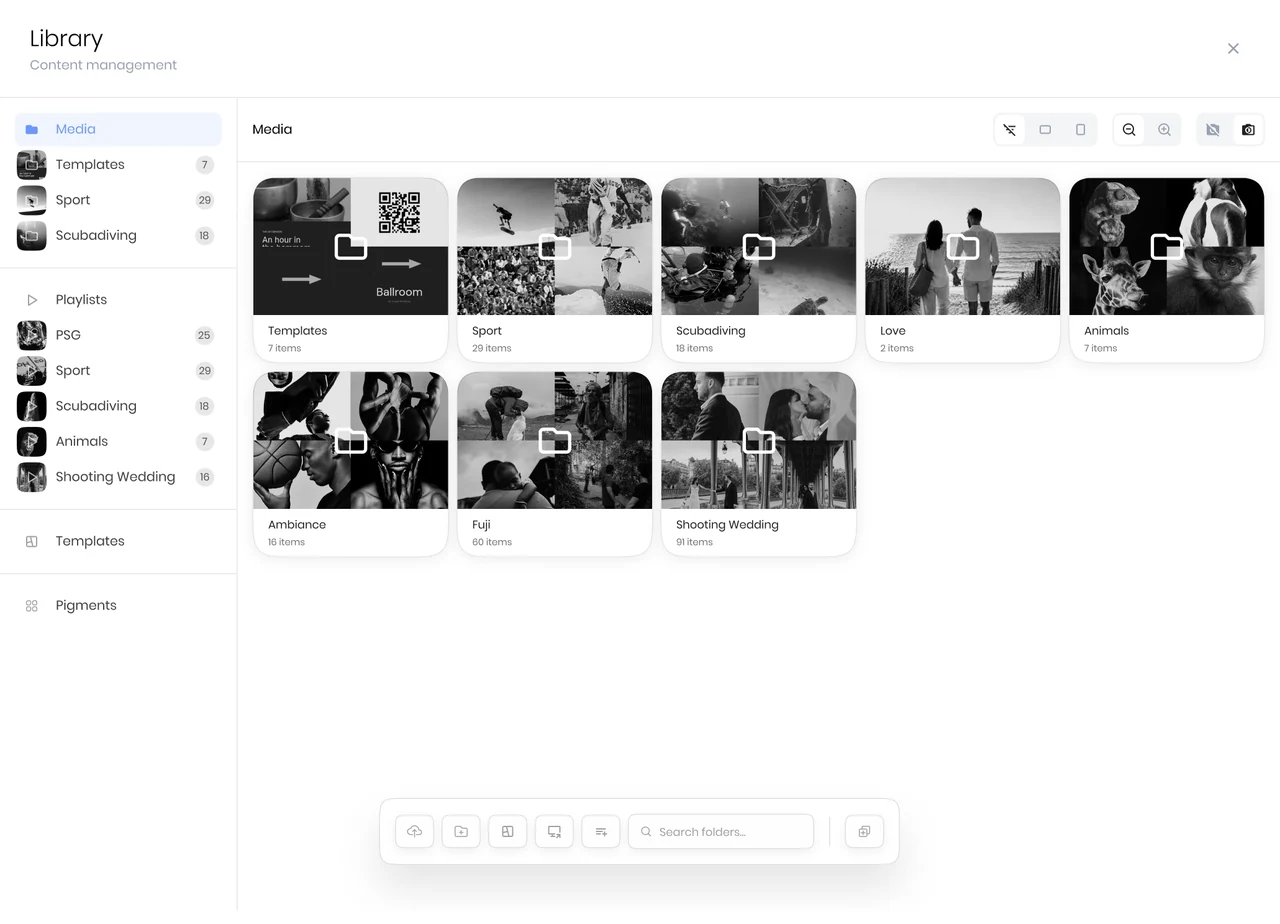
Everything starts with an idea. Images, text, artworks: upload what you want to display directly into your Content Library.
-
[02]
Assign to your displays
Pick where it goes. Target a single display, a floor, or a group of zones. Create tags and save presets for future updates.
-
[03]
Push to display
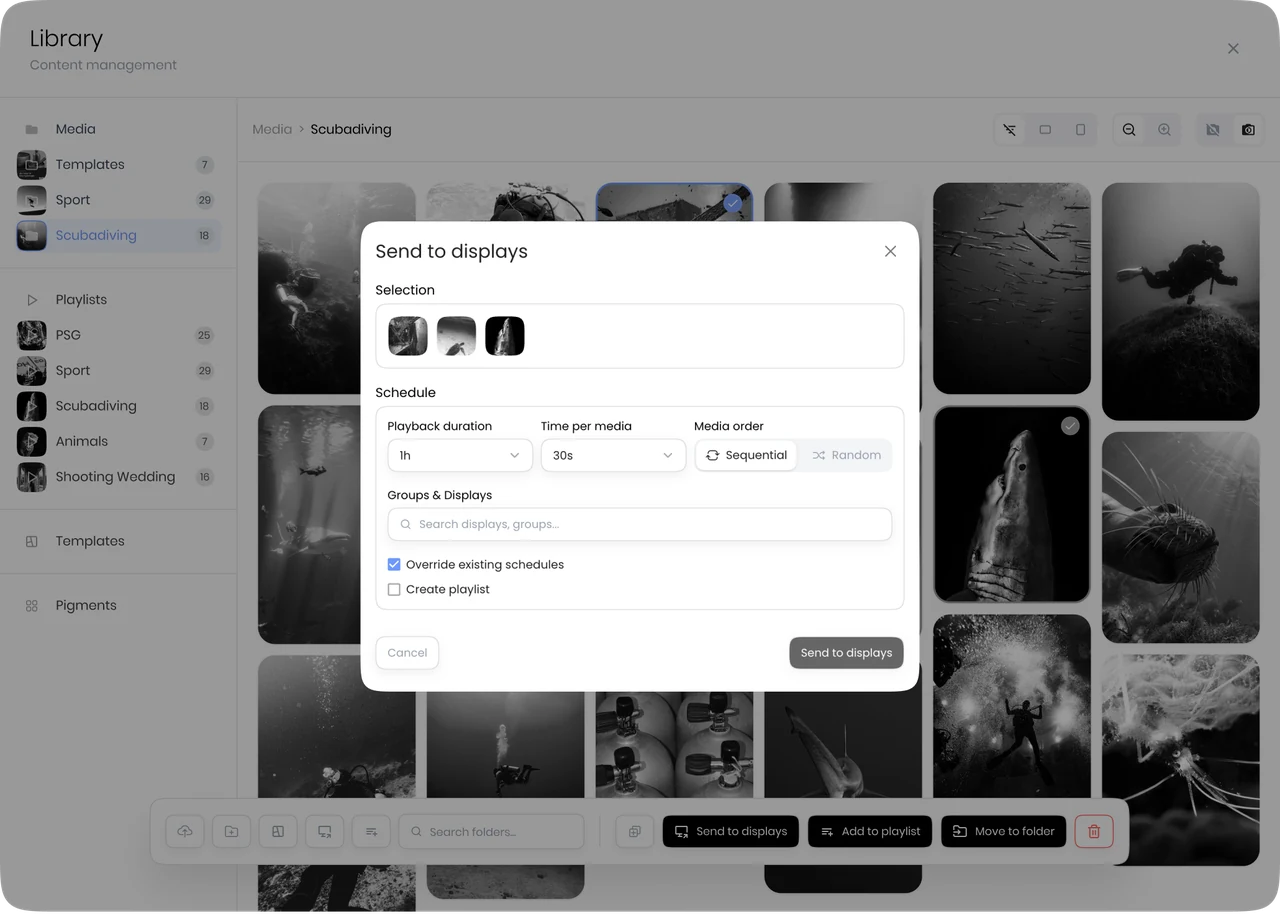
Send your content in one click. Each display updates silently, and your image stays, drawing no power until it changes.
-
[04]
Schedule and automate
Control time as well as space. Plan content changes ahead of time, set recurring messages, or adapt automatically by time of day.














Personal Suite 412, on arrival. The guest sent the photo before checking in.
Ambience Daytime. An artwork chosen by the guest. Same frame at sea, without a cable.
Information Turndown. Tomorrow's forecast, sunrise, one line from room service.
Personal Departure morning. Scheduled the day the booking was made.
Information The wall label. Title, artist, year, medium. No print run.
Information A rehang. Forty labels updated from one window, in a morning.
Revenue Private viewing on Thursday. Announced on every wall at once.
Ambience Between two shows. The wall announces what comes next.
Ambience Opening. The season's image, same on every floor, in every city.
Information The piece of the moment. Material, origin, hand.
Revenue Late afternoon. A private appointment, offered to those still inside.
Ambience After hours. The window keeps its image, and draws no power to hold it.
Information 7:30am. The breakfast card, set as type, not as a photograph.
Information 12:30pm. Today's dish, updated from a phone in the kitchen.
Revenue 7pm. The sommelier's pairing, two lines, one bottle.
Ambience 11pm. Service is over. The room keeps its face.
Personal 8am. The lobby greets the company expected at nine.
Information 11am. Outside each room, what is happening inside.
Ambience 2pm. The house tells its own story, quietly, on its own walls.
Ambience 6pm. The office becomes a place again.
Ambience The day before. The floor still belongs to the hotel.
Revenue 8am. The whole floor turns over to the guest brand. One click.
Information 11am. Programme, room plan, in the client's own typography.
Personal 6pm. A group photograph taken that morning.
Set once.
Alive all day.
Pick a space and walk through its day. Every image below was scheduled ahead of time in Ginko Studio. Nobody walks in to change it.









Visual library
A curated visual library,
an AI engine, and a store of mini-apps.
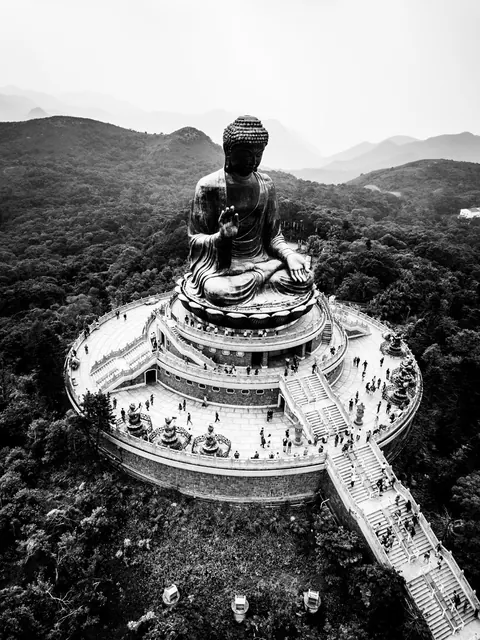
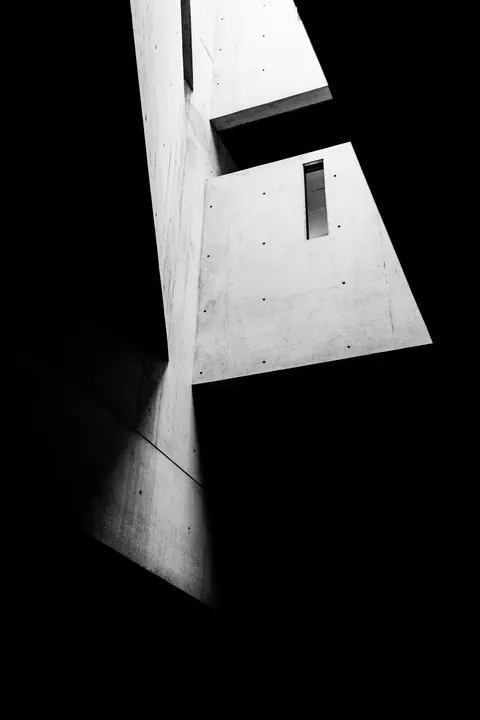
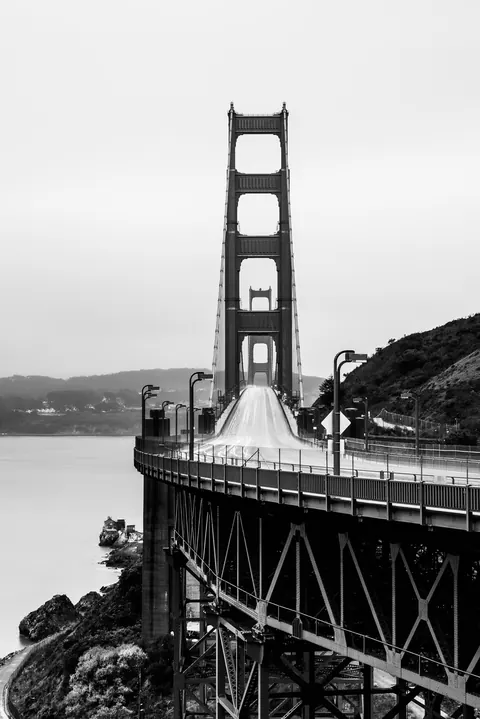
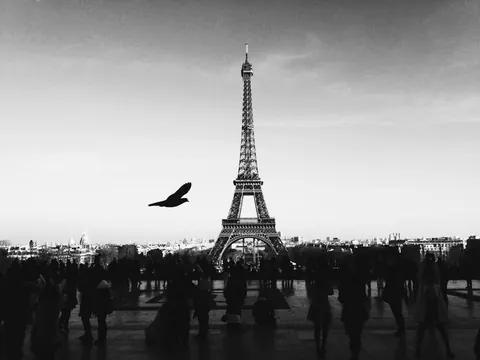
Browse a curated library of ambient visuals, or generate your own in seconds with the built-in AI engine. The Pigment Store adds mini-applications directly inside Studio, from image sourcing to portrait generation. All of it from Studio Pro.
The visual library, the AI engine and the Pigment Store come with the Pro and Scale licences.
Studio plans
Every display arrives with Studio.
Three licences. The first comes with the object; the others open up unlimited users, the visual library, scheduling, roles and reports as your fleet grows. Beyond Scale, terms are negotiated for the fleet.